ACC 300 · Artificial intelligence · Slides

Build a Visualization with AI

7 pages · Course AI rules

  1. Slide 1. Build a Visualization with AI
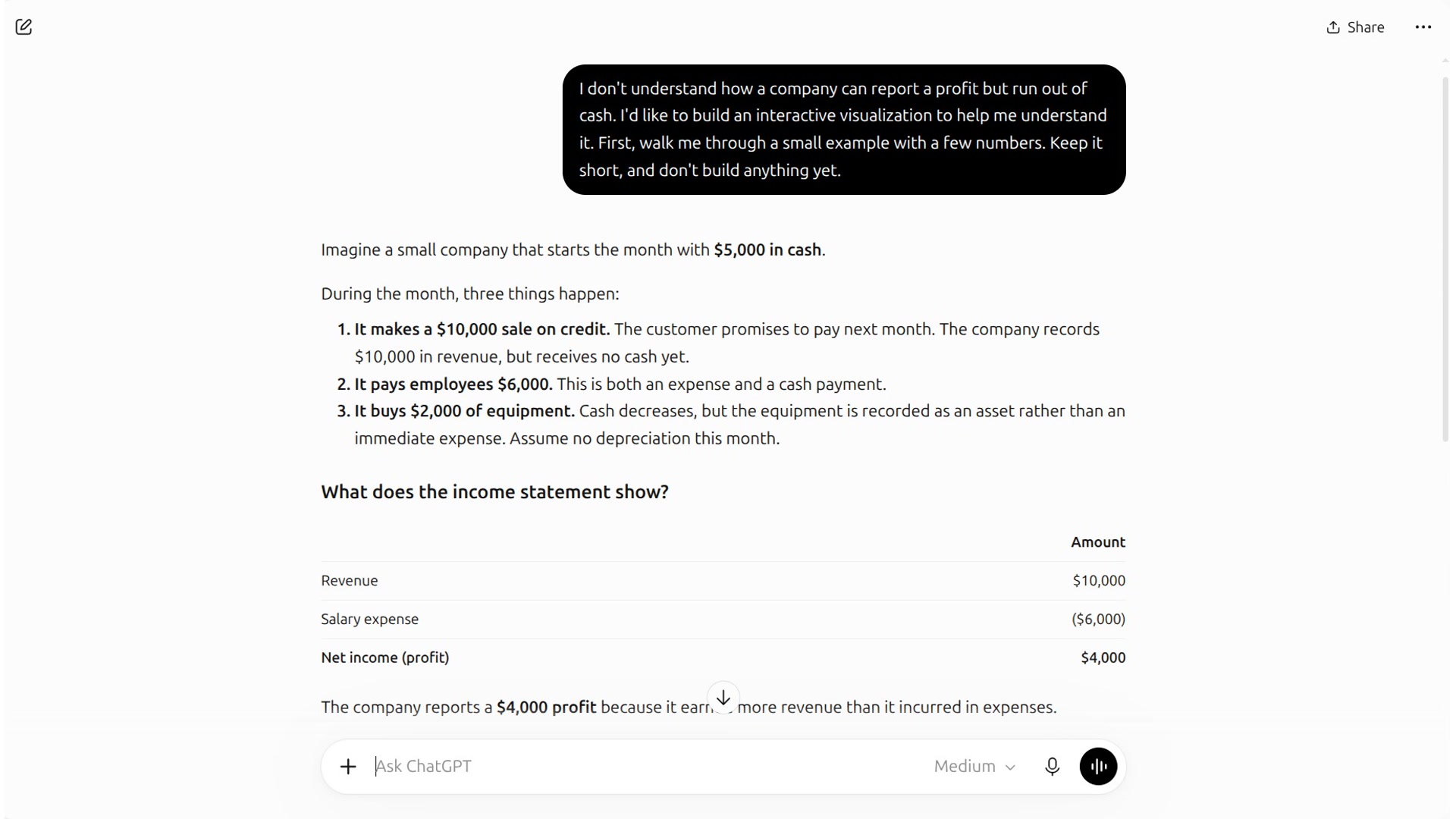
  2. Slide 2. Start with what you don’t understand
  3. Slide 3. Ask for help choosing a visualization
  4. Slide 4. Ask what you could change
  5. Slide 5. Ask for one HTML file
  6. Slide 6. Build, check, and ask again
  7. Slide 7. Check the numbers, assumptions, and conclusion
ACC 300 · Meeting 13 · Tue 10/13

Lecture and AI segment

  1. 1 · Tue 10/13 · Lecture

    Meeting 13: Derive and interpret operating cash flows

    57 slides and the narrated lecture, 33 minutes.

    Switch to the AI slides after slide 35
  2. 2 · AI segment · Slides

    Build a Visualization with AI

    Ask about an example, choose a display, and request a local HTML file.

    7 slides You are here
  3. 3 · AI segment · Demonstration

    Watch the recorded steps

    Follow each step of the conversation, then download the HTML file it produced.

    5 silent clips · 3 minutes

Download PDF (1.4 MB)

The PDF is searchable and suitable for printing.

Contents

Jump to a slide

  1. 1 Build a Visualization with AI
  2. 2 Start with what you don’t understand
  3. 3 Ask for help choosing a visualization
  4. 4 Ask what you could change
  5. 5 Ask for one HTML file
  6. 6 Build, check, and ask again
  7. 7 Check the numbers, assumptions, and conclusion