Build a visualization with AI
Watch each step, then try the saved file.
Open the slides. Each clip follows the matching step in the deck.
- Question and follow-up (0:46)
- Choose a display (0:22)
- Choose what to change (0:21)
- Request the HTML file (0:22)
- Use the visualization (1:24)
Question and follow-up
Slide 2 · 0:46
Choose a display
Slide 3 · 0:22
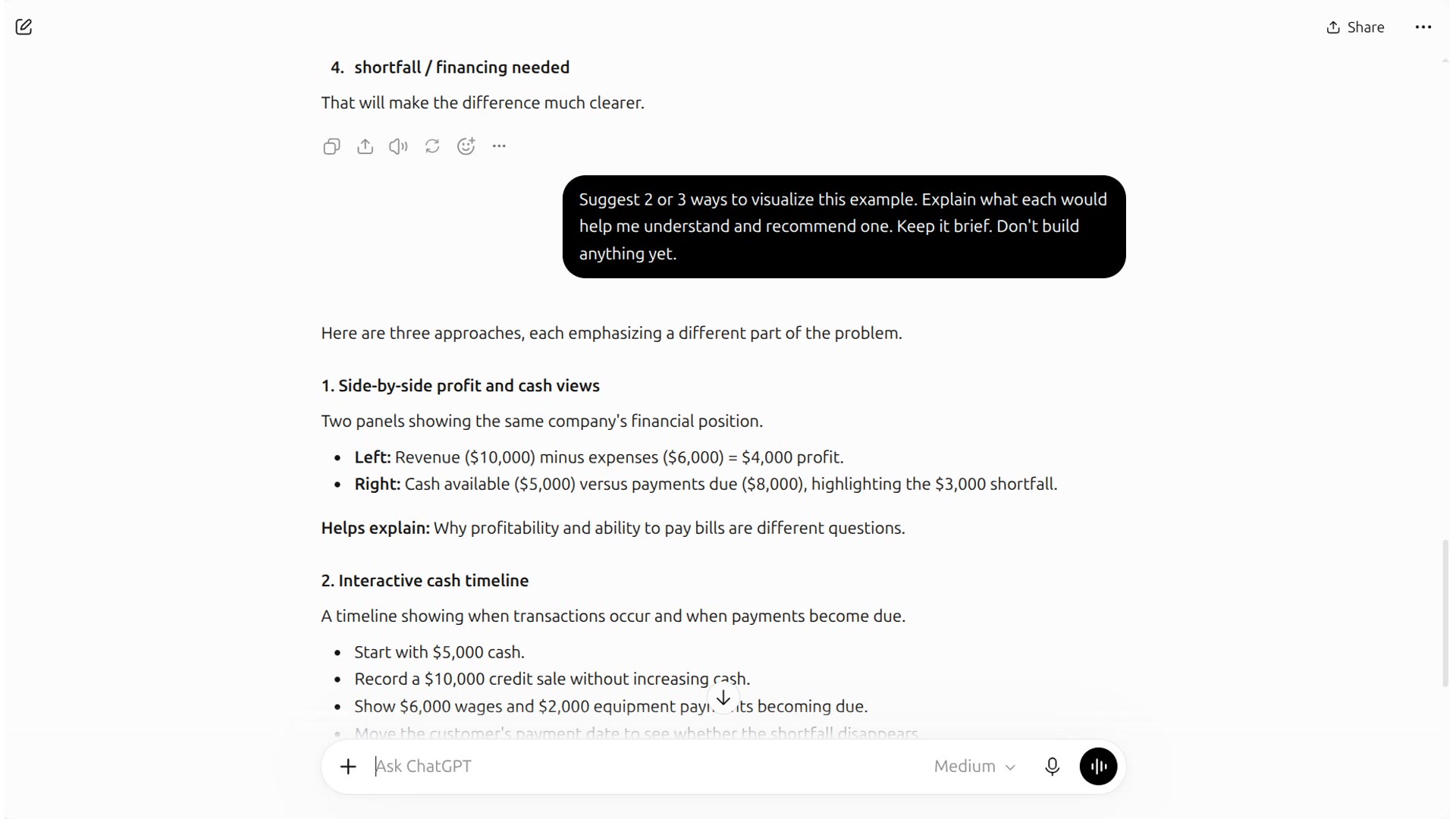
Choose what to change
Slide 4 · 0:21
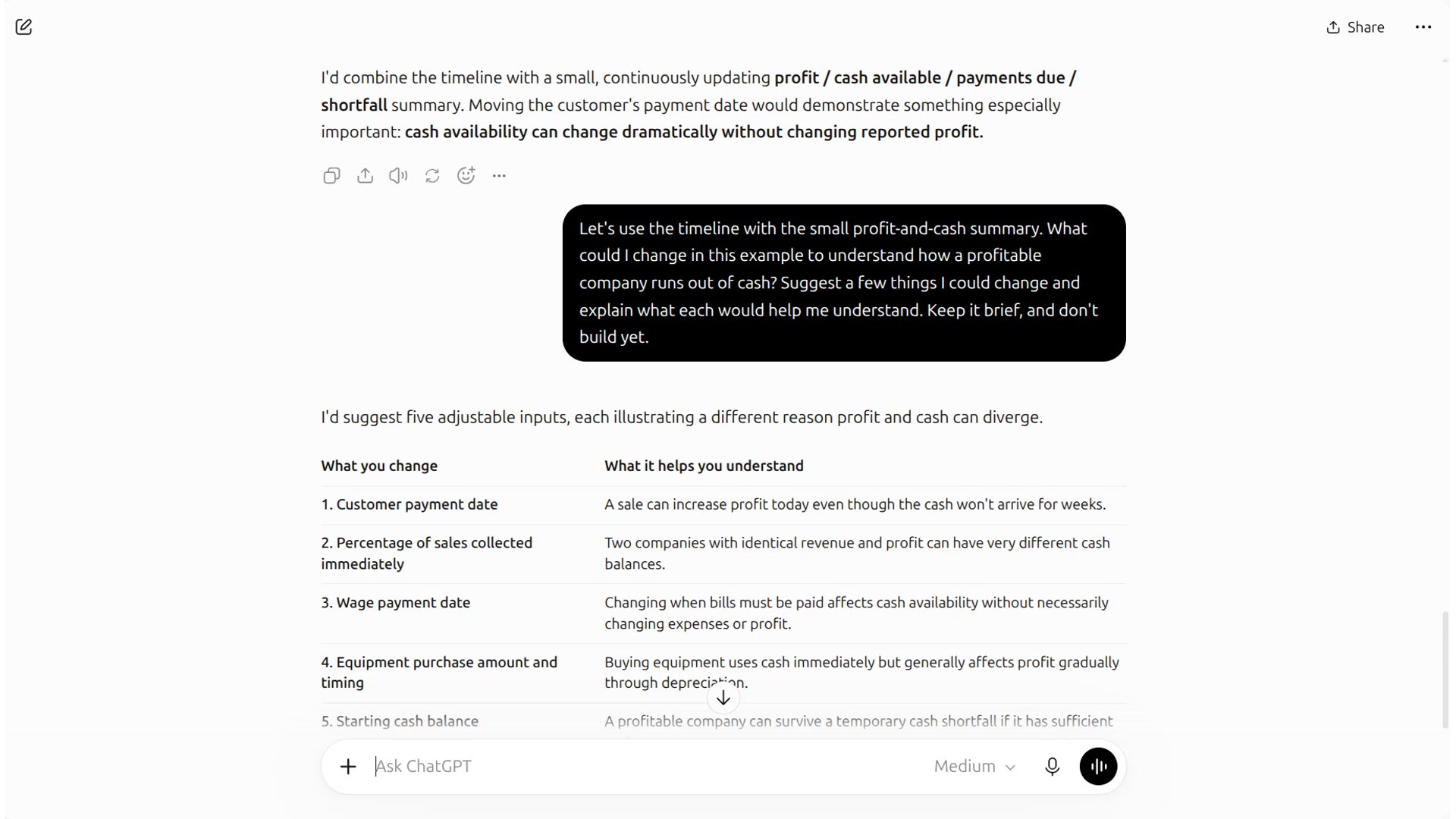
Request the HTML file
Slide 6 · 0:22
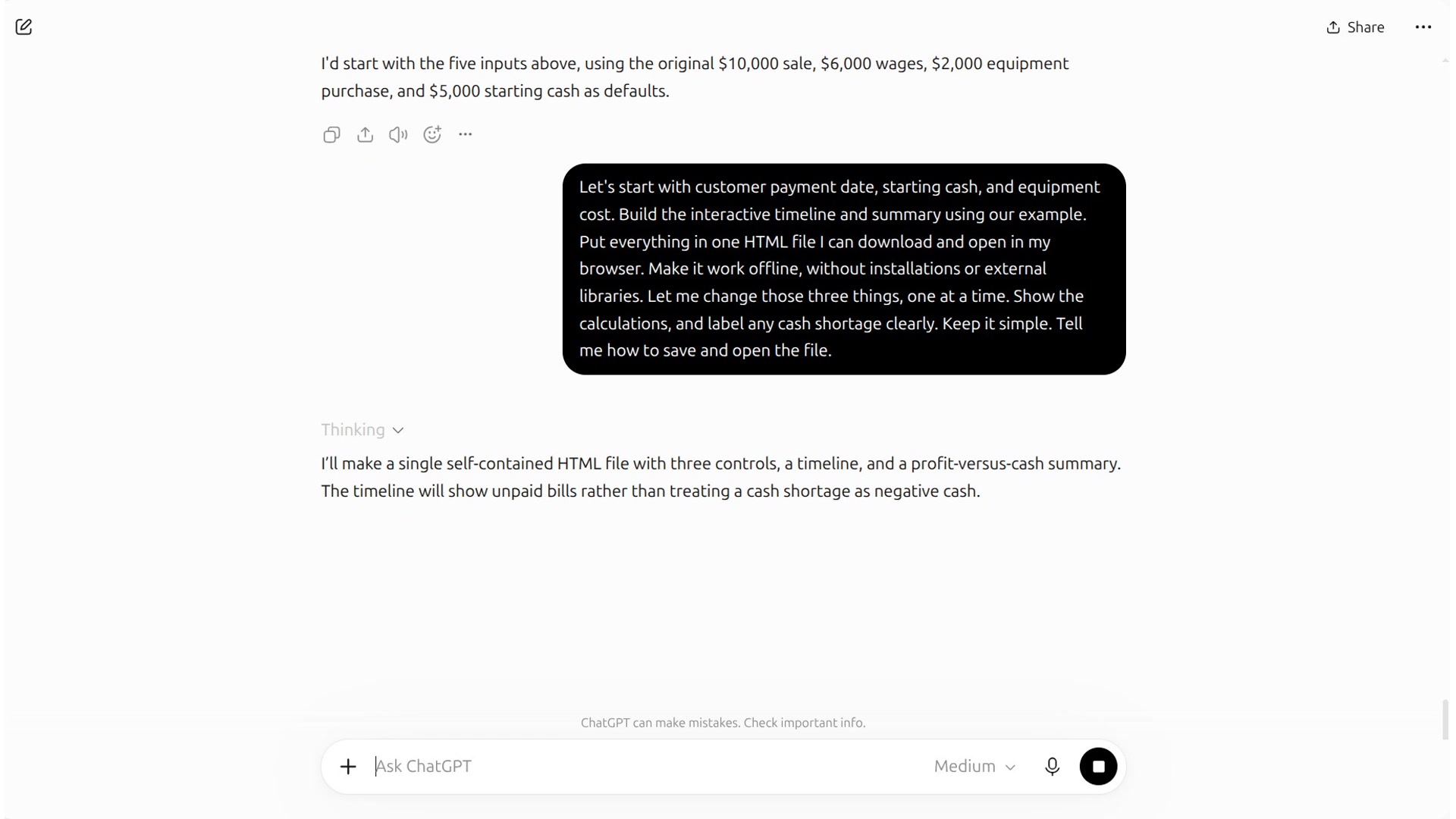
Use the visualization
Slide 6 · 1:24
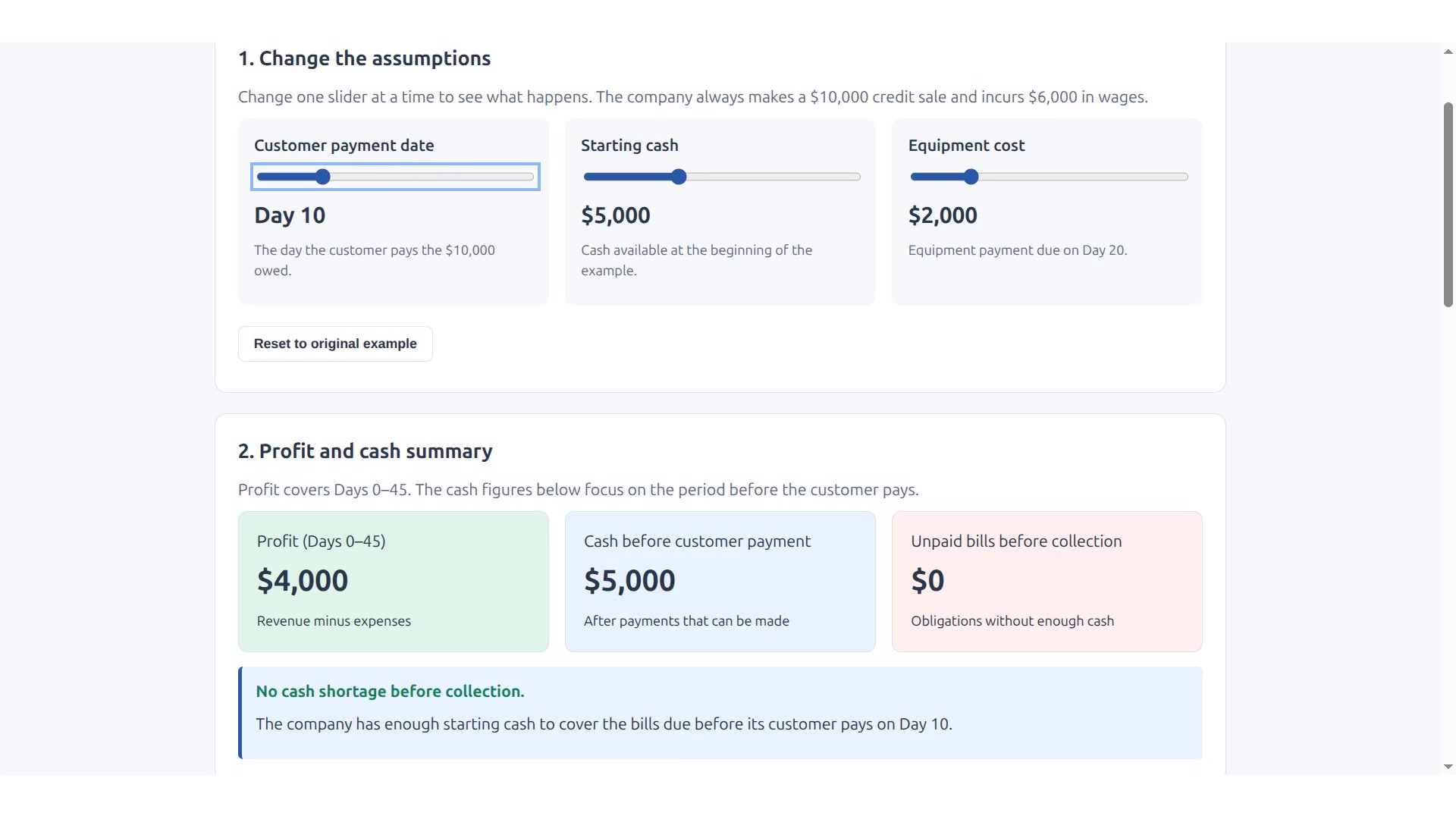
Try the file from the recording
The download links in the conversation failed. The HTML code was saved offscreen before the final clip.
Save the file, then open it in your browser. Change the customer payment date, starting cash, or equipment cost. Use the reset button between changes.
The file contains the output from the recorded conversation. It works offline. The starting example and the three recorded changes were checked separately.
Lecture and AI segment
-
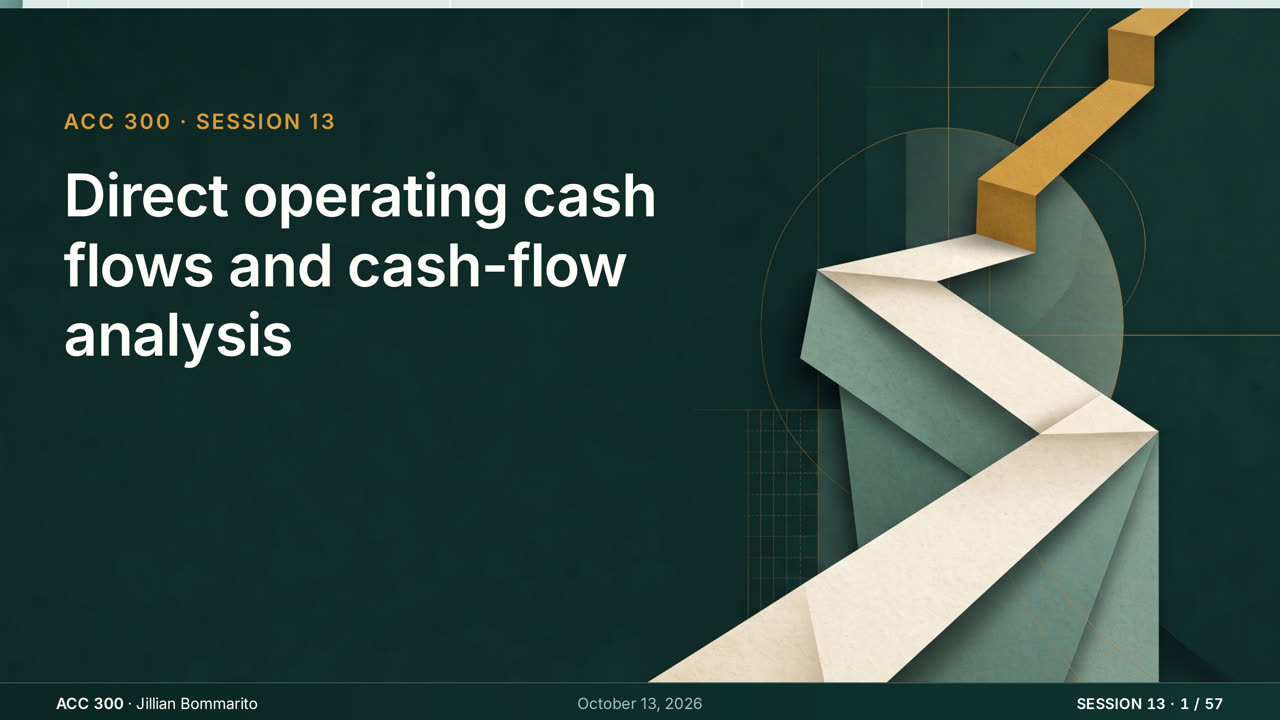 1 · Tue 10/13 · Lecture
Meeting 13: Derive and interpret operating cash flows
57 slides and the narrated lecture, 33 minutes.
-
 2 · AI segment · Slides
Build a Visualization with AI
Ask about an example, choose a display, and request a local HTML file.
-
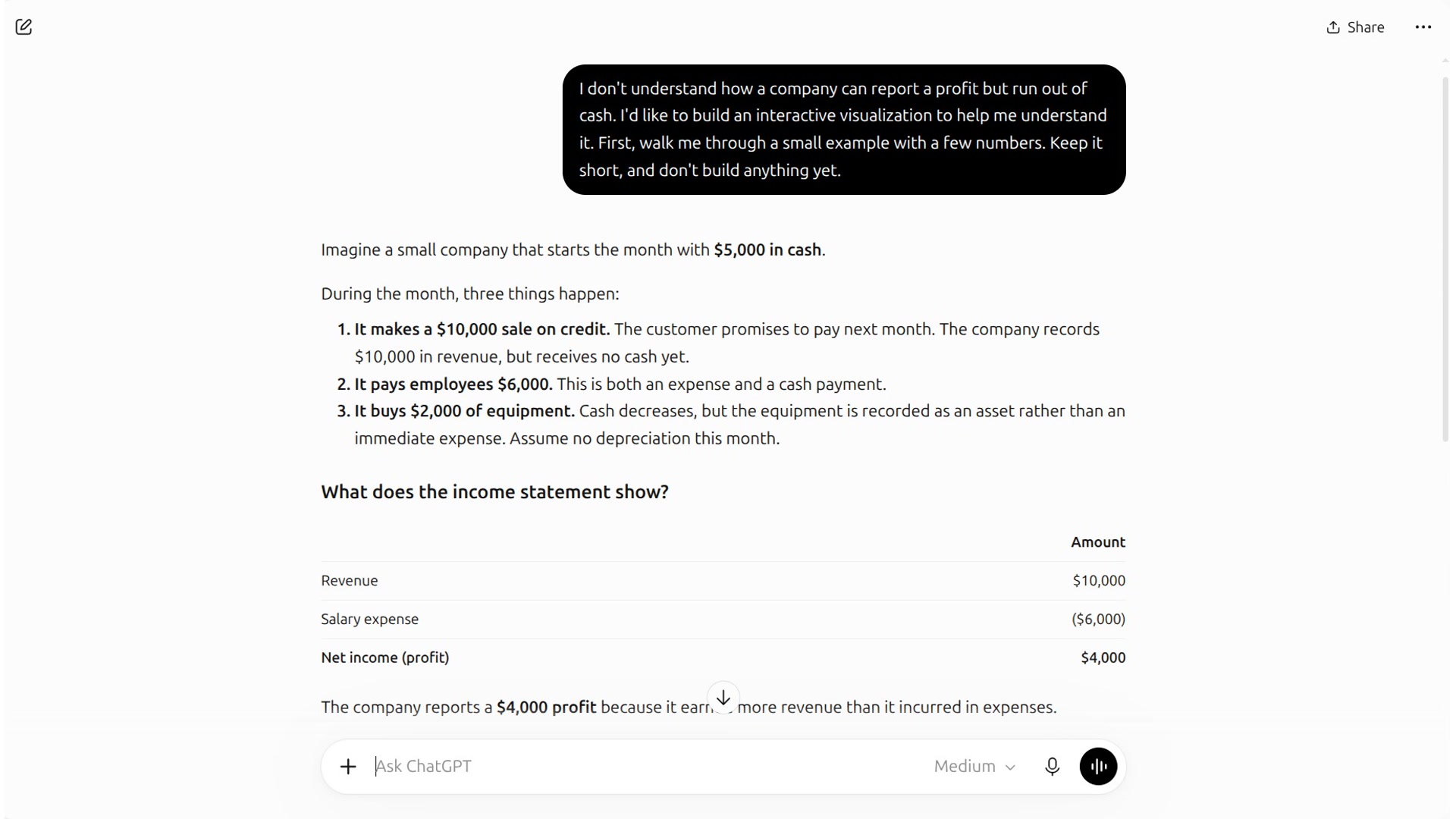 3 · AI segment · Demonstration
Watch the recorded steps
Follow each step of the conversation, then download the HTML file it produced.